Productivity software for freelancers who prefer to work locally.
Freelancers often need a place for project notes, a task board, simple figures, and a way to map out a process. LintelDesk brings those activities together in one Windows desktop workspace, without requiring an online account for day-to-day use.
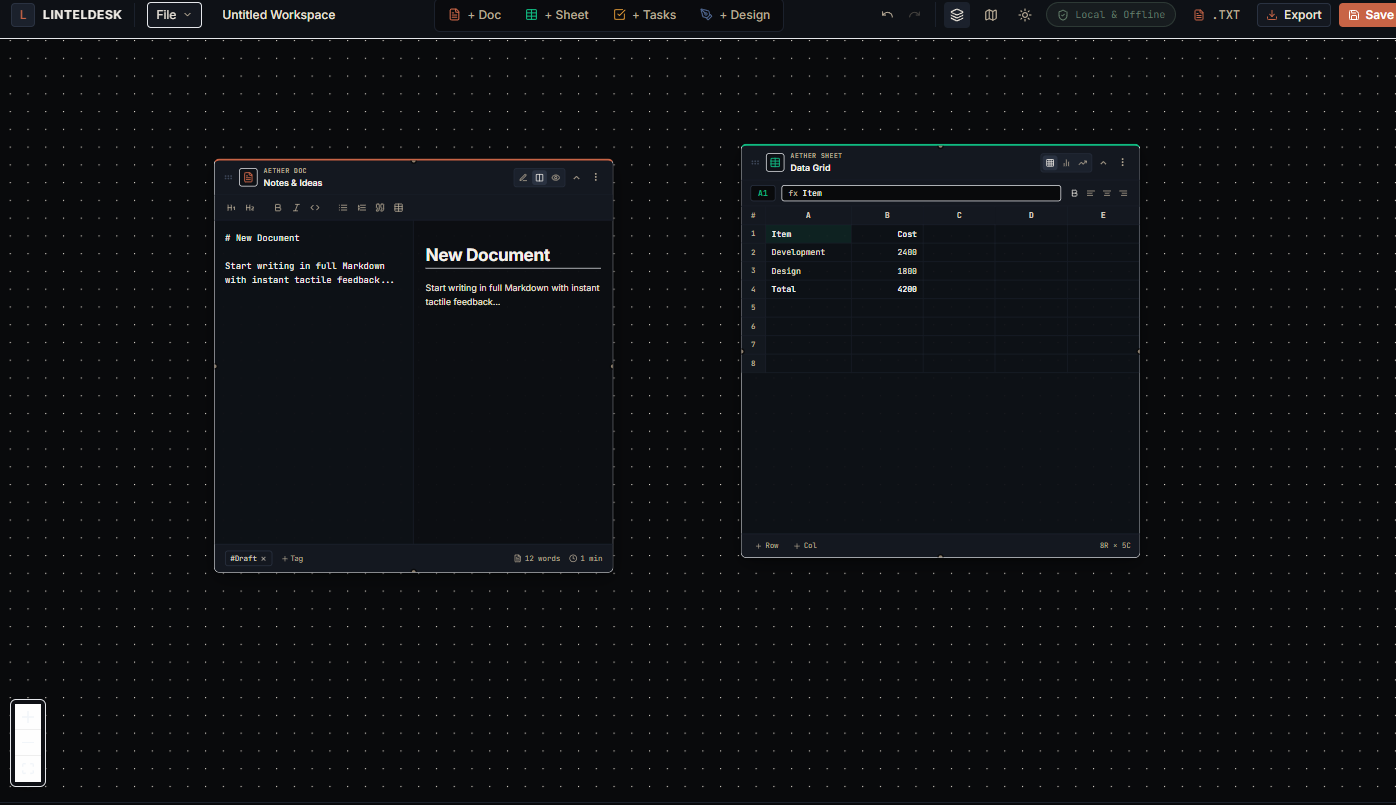
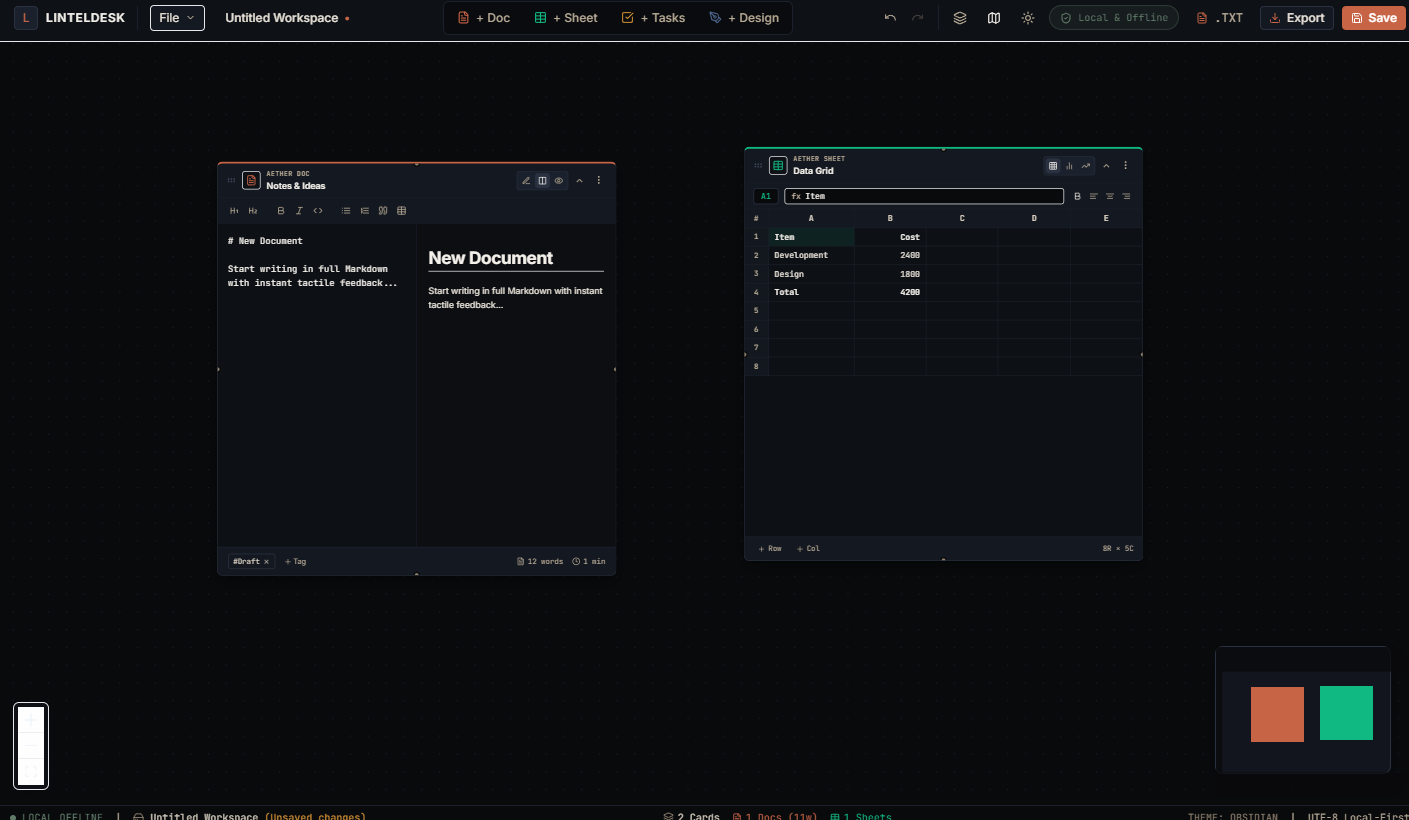
Keep the project context together
A solo project can generate a surprising number of small pieces: a brief, delivery notes, deadlines, calculations, and a process that needs to be explained. A simple workflow can keep these related without pretending one app replaces every business service.
Store the brief and decisions
Use Docs for a project outline, requirements, meeting notes, draft copy, or a record of decisions. The Markdown editor and outline view can help keep longer notes navigable.
Turn the brief into tasks
Use the Kanban-style Tasks module to track work through stages such as To do, In progress, and Done. Keep the board useful by listing the next action rather than every thought.
Keep project calculations nearby
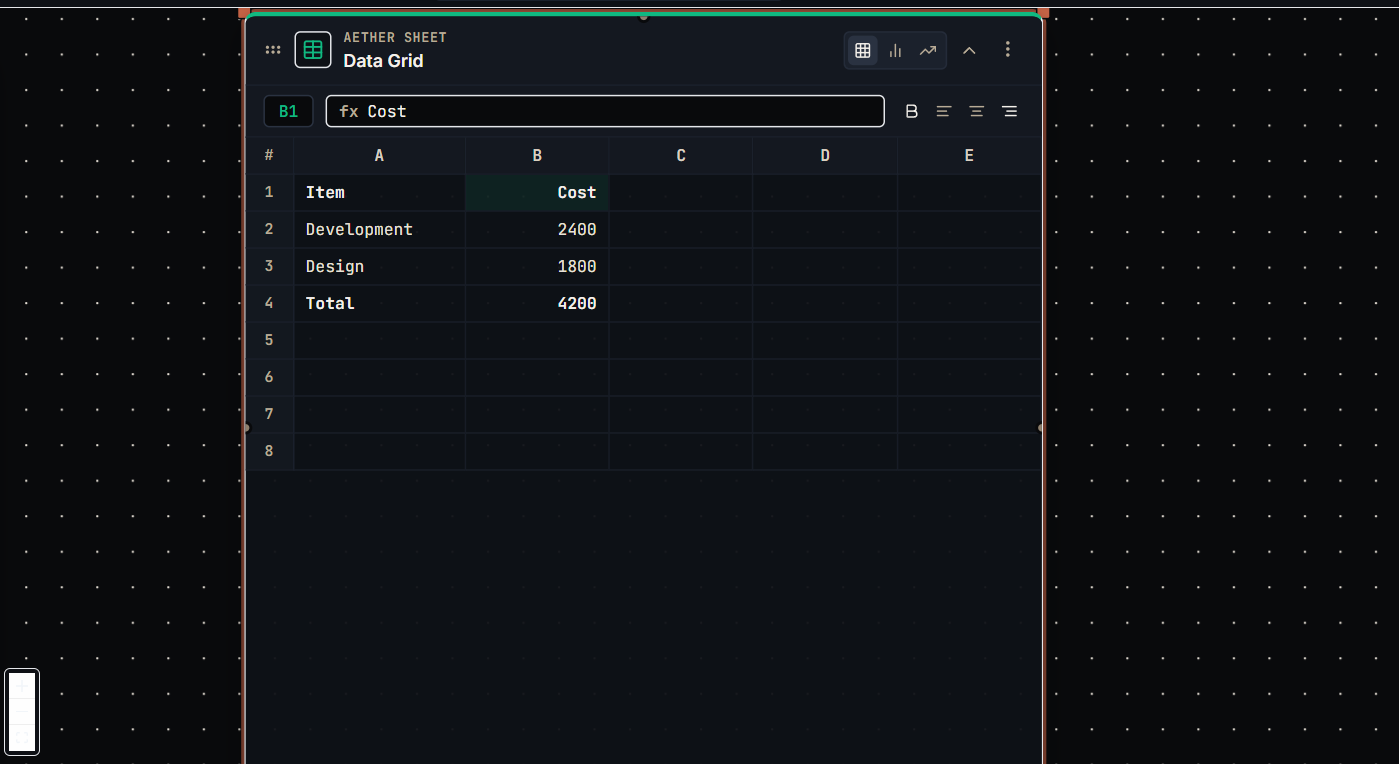
Use Sheets for basic figures such as a project estimate, expense plan, or calculation. It is not a substitute for bookkeeping, invoicing, payroll, or specialist accounting software.
Make a workflow visible
Use Canvas to map a delivery process, content approval path, onboarding sequence, or other decision flow that is easier to understand visually.
A practical freelance workflow
This is an example of how the four modules can support a single-person project. Adapt the stages to how you actually work.
Define the work
Create a project note with the goal, deliverables, assumptions, constraints, and decisions that need to be made. Keep sensitive client information in line with your contract and security obligations.
Break it down
Convert the deliverables into clear tasks. Make the next action, current status, and immediate priority easy to see instead of relying on memory.
Check the numbers
Use a simple sheet for internal estimates or calculations. Track actual billable time, invoices, taxes, and official financial records in the dedicated tools you use for those jobs.
Map and review
Draw the sequence for a repeatable process, then review your tasks and notes at a regular time. Back up important local files separately.
Who should consider LintelDesk?
The intended fit is specific: freelancers and solo operators who want a compact desktop workspace, not a complete client-management platform.
Independent, Windows-based work
Writers, consultants, designers, developers, and other solo professionals who draft documents, track their own tasks, make simple calculations, or plan processes primarily on one Windows PC.
Know what is not included
LintelDesk does not provide client logins, live shared editing, cloud synchronization, mobile apps, invoicing, time tracking, a CRM, or automatic cloud backups. Choose separate tools for those requirements.
Questions to ask before choosing freelancer productivity software
- Do I need to share a live workspace with clients or contractors?
- Does this tool need to track billable hours or produce invoices?
- Do I need access from a phone, tablet, Mac, or browser?
- Would I rather keep working files locally, and do I have a backup plan?
- Would a one-time $49 purchase fit my workflow better than another recurring subscription?
One-time pricing, with clear limits
LintelDesk costs $49 USD once. It is a focused desktop workspace, and its limitations are part of the buying decision.
Windows 10 & 11 (64-bit) • Lifetime license • Free v1.x updates
- ✓Docs, Sheets, Tasks, and Canvas
- ✓Local workspaces and files
- ✓No account or online activation for daily use
- ✓Use on up to three personal Windows computers
- ✓No recurring subscription
Freelancer productivity software FAQ
Practical answers before you choose a tool.
No. It can support project notes, tasks, simple calculations, and visual planning. You will still need other services if your business needs invoices, accounting, time tracking, client management, or shared portals.
You can use it to organize your own project work, but check your client contract and security requirements before storing sensitive or regulated information. LintelDesk does not provide team sharing or centralized administration.
No. It is designed around local storage and does not provide built-in cloud synchronization. You can make your own backups, but do not treat a manual copy or third-party backup as live collaborative sync.
Start with the offline productivity software guide to compare local-first software with cloud-connected tools and understand the trade-offs.