
Offline productivity software for Windows.
Keep writing, planning, working with simple spreadsheets, and mapping ideas in one desktop workspace designed to run on your own Windows PC. LintelDesk is a local-first option for people who prefer their working files on their own computer.
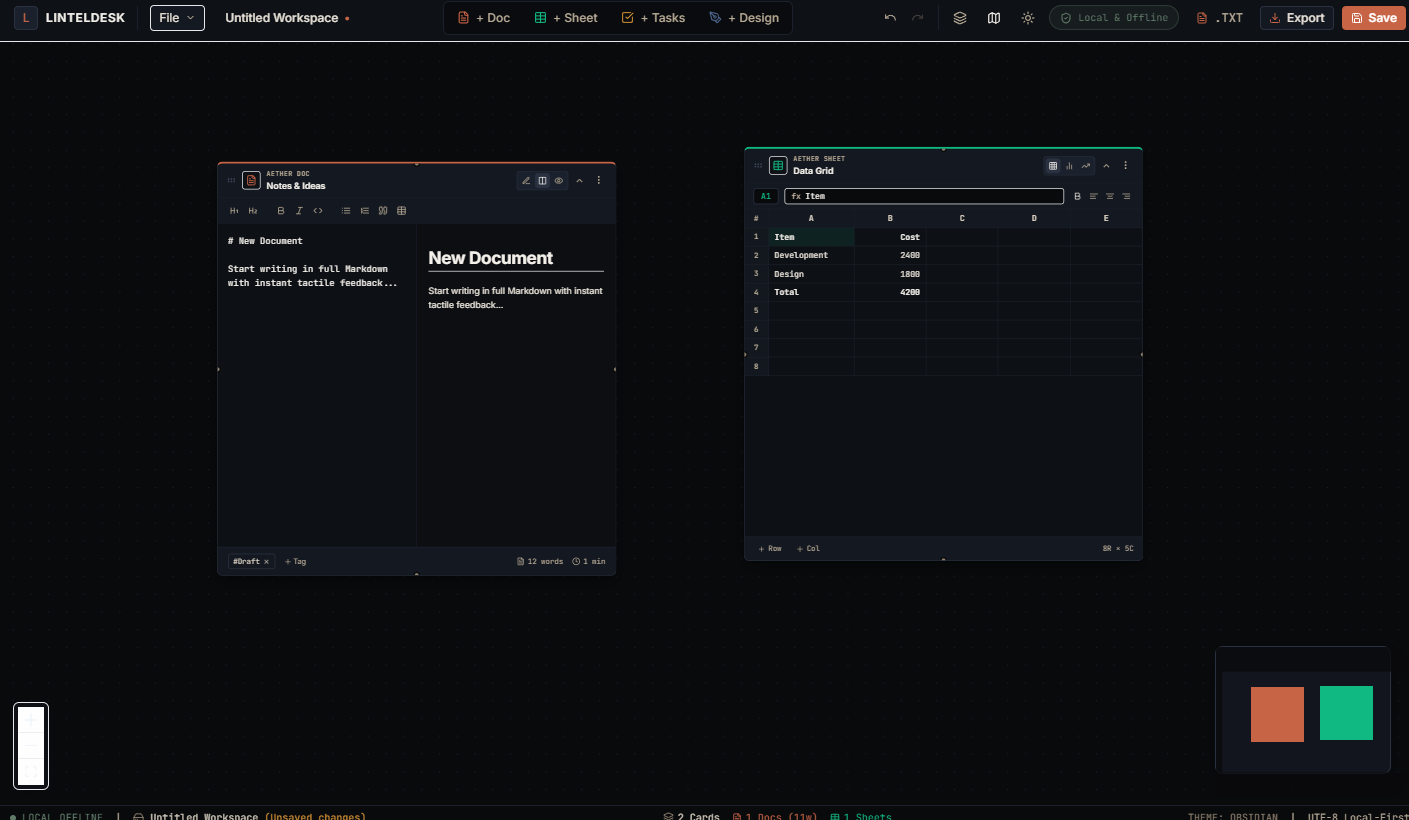
What does offline productivity software mean?
It means your everyday work does not depend on an active internet connection to remain usable. The exact details vary by application, so it is worth checking how a tool stores files, starts up, and handles setup before choosing it.
Work without a live connection
Open and edit supported work locally after installation, without relying on a cloud workspace being reachable whenever you need to get something done.
Understand where files live
With LintelDesk, workspaces are stored on your computer. You are responsible for keeping a separate backup, such as one on an external drive or a backup service you choose.
Know the trade-offs
A local-first setup can offer independence from day-to-day cloud access, but it does not automatically provide syncing, collaboration, or automatic off-device backups.
Four kinds of work in one Windows app
LintelDesk brings several everyday work activities together without requiring you to assemble a browser-based workspace for each one.
Write and organize documents
Use a Markdown editor with a live preview and an outline view for notes, plans, working drafts, and project documentation.
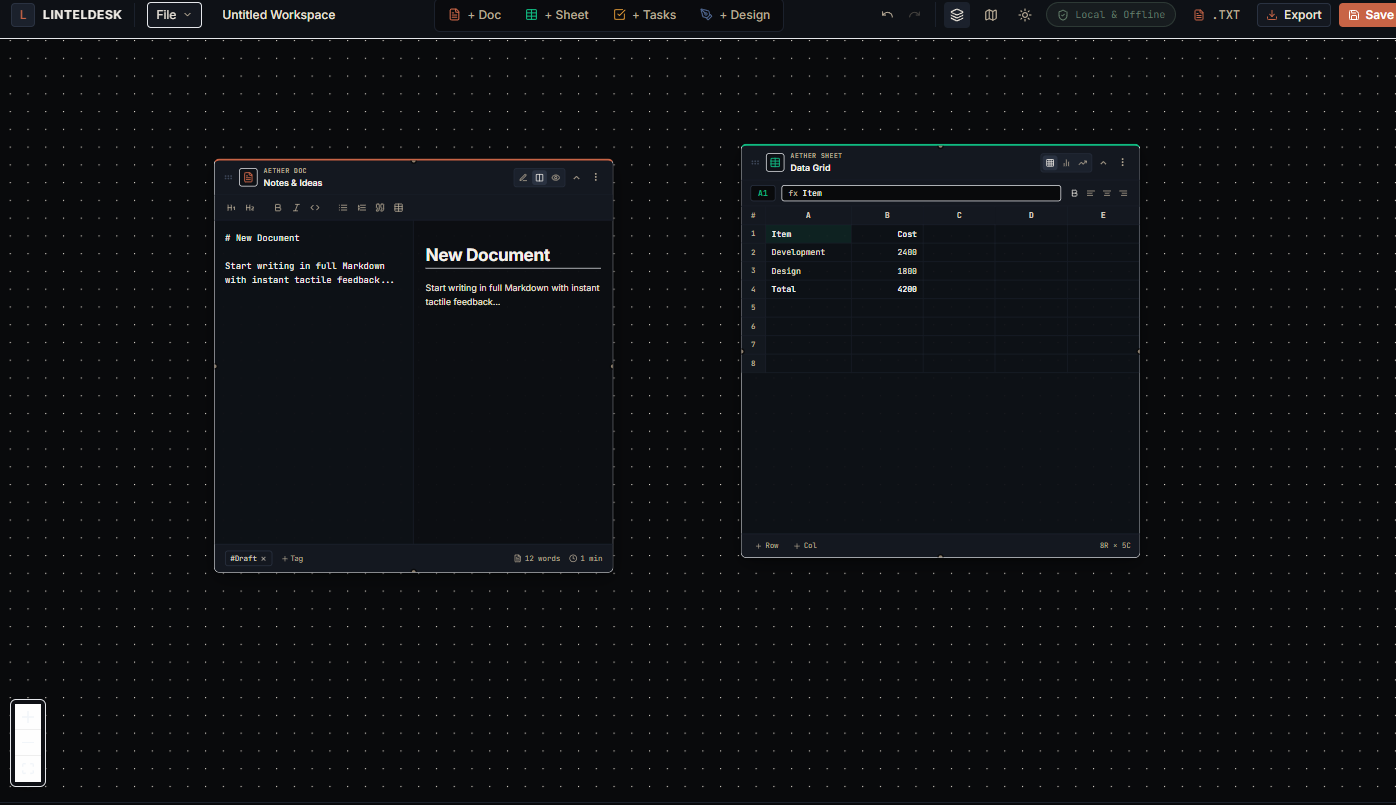
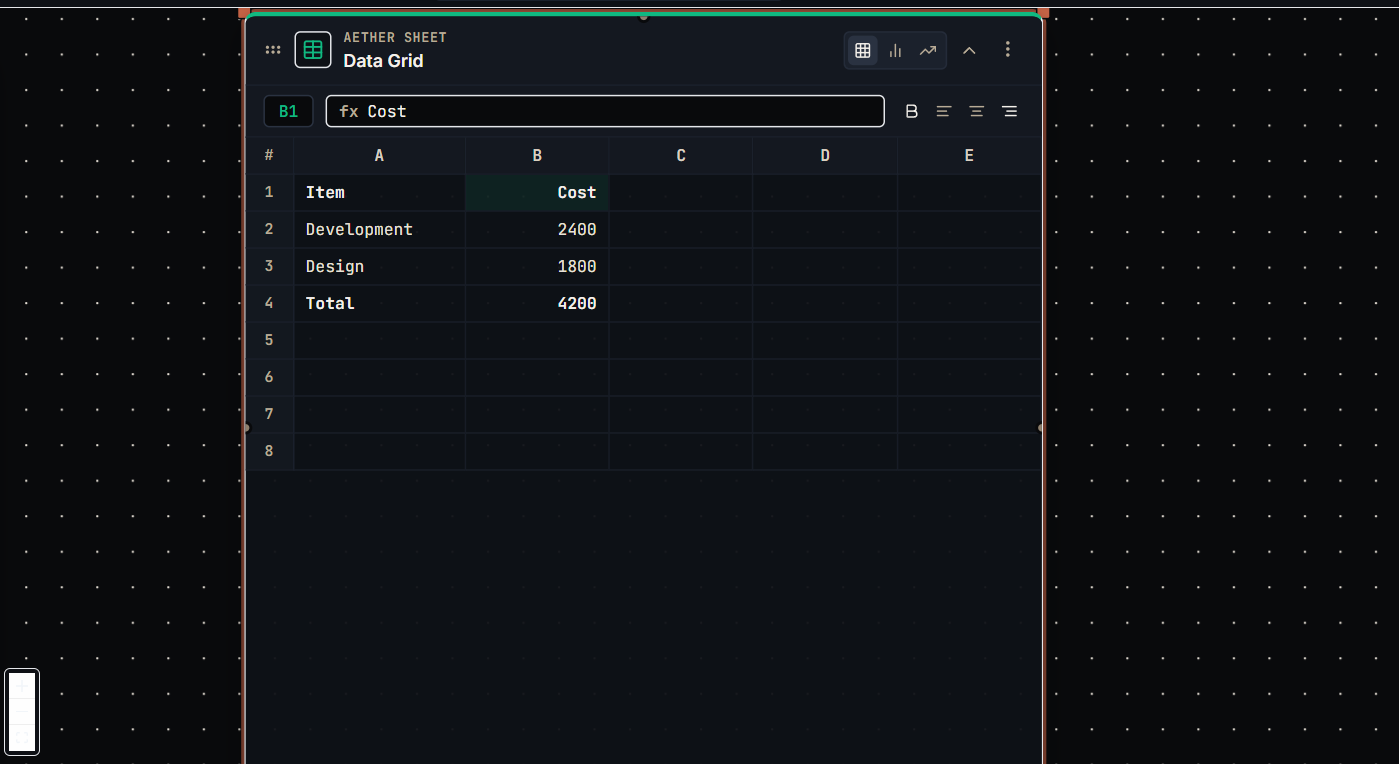
Work with simple calculations
Keep basic tables, figures, and formula-based calculations close to your workspace. LintelDesk is not a substitute for specialist accounting or complex spreadsheet workflows.
Track personal work
Use a visual Kanban-style board to organize tasks and track progress on your own projects.
Map a process or an idea
Build visual diagrams and connect steps with arrows so a workflow or decision path is easier to understand.
Is an offline desktop workspace right for you?
The best tool is the one that fits your actual workflow—not the one with the longest feature list.
Choose local-first software if you…
Mostly work on one Windows computer, prefer local files, want documents and planning tools in one place, and do not need live collaboration to complete your work.
Look elsewhere if you…
Need shared editing, automatic cross-device synchronization, client-facing workspaces, mobile access, or built-in accounting, invoicing, and time tracking.
Before you buy LintelDesk
- Computer: Windows 10 or Windows 11, 64-bit.
- Graphics: a GPU with DirectX 12 support for hardware-accelerated Canvas rendering.
- Installation: approximately 83 MB for the v1.0.0 installer.
- Internet: required to purchase and download; not required for day-to-day use after installation.
- Price: $49 USD once, with free updates within the v1.x release line as described on the main page.
- Backups: you manage your own backups because the app does not provide cloud backup.
Offline productivity software: questions to ask
Use these questions to compare tools before you install or purchase one.
It depends on the software. Some applications need a connection for installation, account sign-in, licensing, syncing, or setup. LintelDesk requires the internet for purchase and download, but does not require online activation or an account for day-to-day use after installation.
No. Some cloud-connected applications offer an offline mode when configured in advance. The difference is how files are stored, what must be enabled, and which features remain available without a connection.
No. Local storage gives you control over where files live, but a computer can still fail, be lost, or be damaged. Keep a separate backup of important work.
Compare storage, offline requirements, collaboration, platform support, pricing, and backup options. See the LintelDesk vs. cloud productivity tools guide for a more detailed comparison.